
People + AI, throughout the work
A thinking partner.
A model you build together.
Work with AI to find an approach, build your model, explore what it means, and explain it to others. Bring your knowledge and judgement to every step.
AI features are in beta. The built-in assistant uses your own provider key.
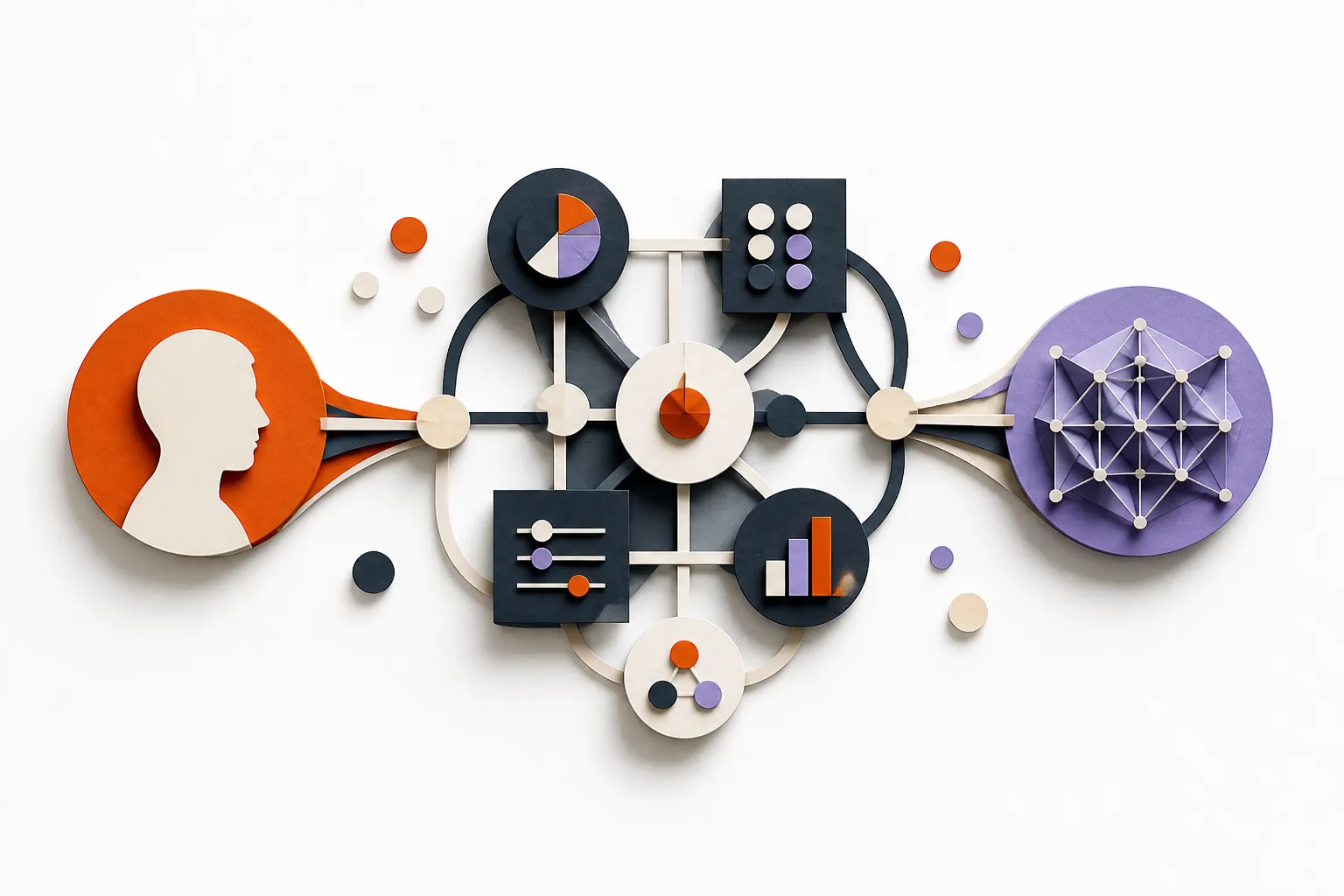
More than a starting draft
From the first question
to a clearer decision.
AI can play different roles as your work develops. Keep the useful structure in your model, then return to it as new questions emerge.
Ways to work together · Illustrative questions, not preset commands
Expert
Develop an approach.
Get help understanding an unfamiliar domain, comparing approaches, or working out which concepts matter.
“We need a capability model to help transform our business. Help us develop an approach.”
Guide
Find a useful starting point.
Turn a broad ambition into a focused question. Decide what to model now and what can wait.
“We want to reduce duplicated systems. Where should we start?”
Modeller
Turn information into a model.
Describe your world or bring existing information. Let AI help define the structure, populate it, and connect the pieces.
“Build a model of our business from this annual report and spreadsheet data.”
Analyst
Look beyond the obvious.
Explore dependencies, compare options, and question assumptions using the information in your model.
“What depends on this service, and what should we investigate before replacing it?”
Communicator
Make the findings clear.
Shape an explanation for your audience and create views that support the conversation.
“Help me explain the key dependencies to our leadership team.”
Put existing information to work
From a pile of information
to a model you can use.
Annual reports, spreadsheet data, strategy documents, and more. Ask AI to identify the relevant concepts, extract information, and connect it in Planalyze.
Spend less time reading, re-keying, and linking information by hand — and more time working out what it means.
For example, ask
“Use this annual report to identify our business capabilities, strategic priorities, and initiatives. Build a model showing how they connect.”
Start with one source. Work through larger collections in batches, extending the same model as you go.
Inside Planalyze
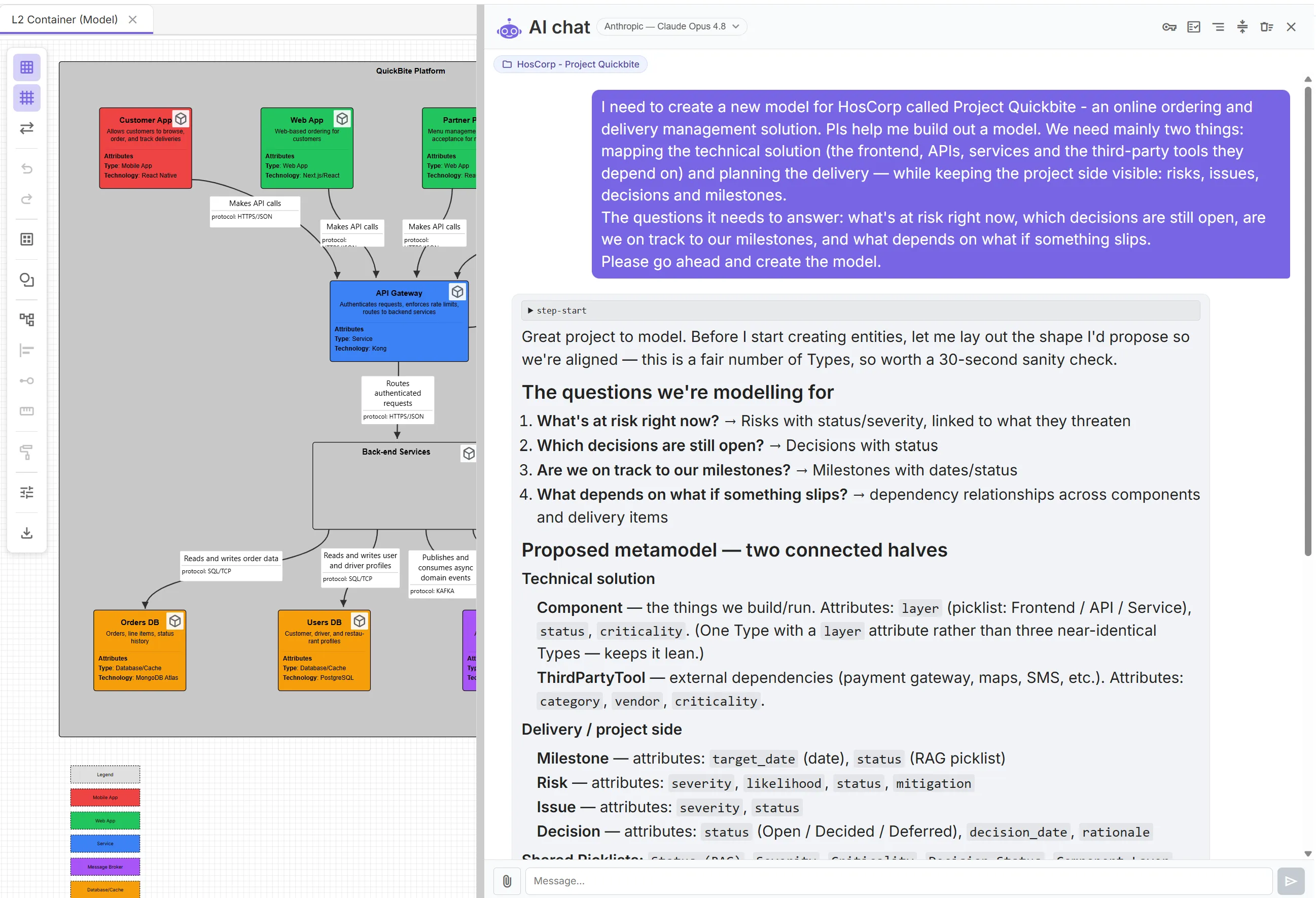
The conversation and the model.
Side by side.
Talk through what you need to understand, then develop the model with your assistant. The result is connected information you can keep exploring and updating.
Choose how you work.
Work directly, ask the built-in assistant, or connect your own AI. Each works with the same underlying model.
Hands on
You, in Planalyze
Explore views, edit information, and shape the model directly. Your knowledge gives the work its context.
Alongside your work
The built-in assistant
Work in the chat panel beside your model. Ask questions and review proposed changes, or choose auto-apply.
From another assistant
Your AI, connected
Use a compatible external assistant through MCP, a connection that lets it read and update your Planalyze model.
One connected model. Different ways to contribute.
A shared modelling language
Build on a living model.
Keep the meaning connected.
An AI-generated diagram can capture a moment. In Planalyze, you and AI work together on the model behind the views — with a shared language that gives the information meaning and structure.
That language is your metamodel: the types of things you care about, their attributes, and how they relate. Shape it to fit your world, then use it together as the model grows.
Agree what things mean
Define capabilities, initiatives, systems, or whatever matters to your work. People and AI use the same concepts, attributes, and relationship rules.
Explore the same information in different ways
Diagrams, charts, and catalogues draw on connected model data. A new view gives you another perspective on the same underlying information.
Develop it as the world changes
Bring in another report, update a relationship, or explore a new problem. Build on the model you already have, rather than starting again with a separate snapshot.
Before you start
What do I need to use AI?
The built-in assistant requires your own supported AI provider key. Provider usage is billed separately by that provider. To work through an external assistant, connect it to Planalyze using MCP; access and approval controls depend on that assistant and your Planalyze permissions.
Can I bring existing information?
Yes. Start with a description or attach supported files, such as text, CSV data, images, or PDFs where your selected provider supports them. For spreadsheets, export the relevant sheets as CSV for the built-in assistant. Work through large collections in manageable batches. File support varies by provider.
How are changes applied?
By default, proposed changes wait for your approval in the built-in assistant. You can enable auto-apply for your conversation in a portfolio. External MCP changes can be applied directly; they do not wait for the built-in assistant’s review screen. Use your external assistant’s approval controls. Both AI routes validate model structure before saving.
Bring a real-world problem.
Work with AI to turn what you know into a living model — and use it to understand your options and decide what to do next.
AI features are in beta. The built-in assistant uses your own provider key.